 01
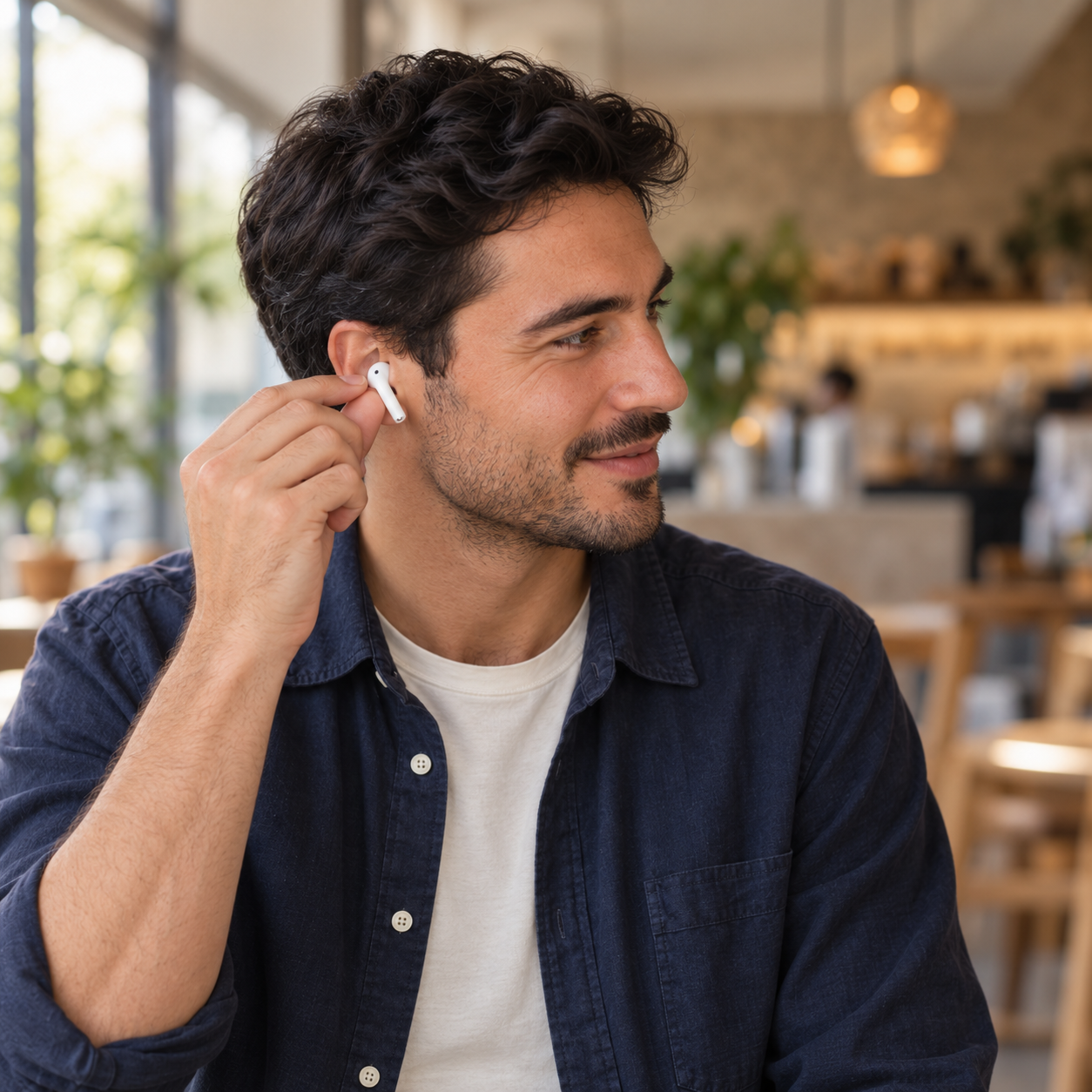
01Put your headphones on.
Connect compatible headphones with a microphone. They stay with you for the whole conversation.
 HearPair.
FACE-TO-FACE TRANSLATION
Keep your headphones on. Hand your iPhone to the person in front of you. Speak in your own languages and hear each other in yours.
iOS 26.2+ · Compatible microphone headphones · Internet required
 HEADPHONES FOR YOU. PHONE FOR THEM.
RIGHT HERE. TOGETHER.
Your voice reaches the phone speaker in their language. Their voice reaches your headphones in yours.
A SMALL CHANGE. A CLOSER CONVERSATION.
01Connect compatible headphones with a microphone. They stay with you for the whole conversation.
 02
02Choose both languages and start. The other person speaks into the phone and listens through its speaker.
03Both directions translate automatically. Read the translated words on screen, and pause whenever you need to.
YOUR WORDS. MORE POSSIBILITIES.
Choose from 42 conversation languages. Pick one for your headphones and one for the phone.
HEARPAIR
A little less passing the phone back and forth. A little more looking at each other.
Talk naturally in your own languages. HearPair translates both sides as you speak, with no push-to-talk button.
Save written conversations on your device, share a translation, or delete your history. You choose whether to save.
No account to create. An English or Turkish interface, with light, dark, and system appearance options.
YOUR FIRST CONVERSATION
Every device gets a one-time total of 5 free minutes of live conversation. Both translation directions share that time.
One-time allowance per device
The allowance does not renew. Silence counts while a live conversation is open. When time runs out, saved history stays available. No purchases, subscriptions, or ads.
You need compatible headphones with a microphone and an iPhone running iOS 26.2 or later. Headphone compatibility can vary. HearPair checks your connection before you begin and guides you if it needs attention.
You need an internet connection for live translation. If you choose to save written conversations, you can read them on your device later, even offline.
The one-time free allowance is finished and live translation stops. You can still read saved conversations. This version has no option to buy more time. Reinstalling the app does not renew the allowance.
HearPair does not make audio recordings. You decide whether to save written conversations on your device, and you can delete them whenever you want. Our privacy policy explains how live speech is processed.

HearPair for iPhone is on its way. Questions about the app or your headphones? We’re here.
Talk to us